 Eisenhower Matrix
 Stop juggling 40 tasks. Do the 4 that matter.
Eisenhower Matrix: Task Tracker sorts your to-do list by what's urgent and what's important — into Do First, Schedule, Delegate, and Eliminate. The 70-year-old method presidents and CEOs swear by, as a clean, fast app.
Free to start · Works offline · iPhone, iPad, Mac & Android
"What is important is seldom urgent."
Eisenhower's rule, running on your phone. Two questions per task — and your week sorts itself.


Your priorities, at a glance
A matrix you can actually read — drag tasks between quadrants, check them off, and watch the noise disappear.
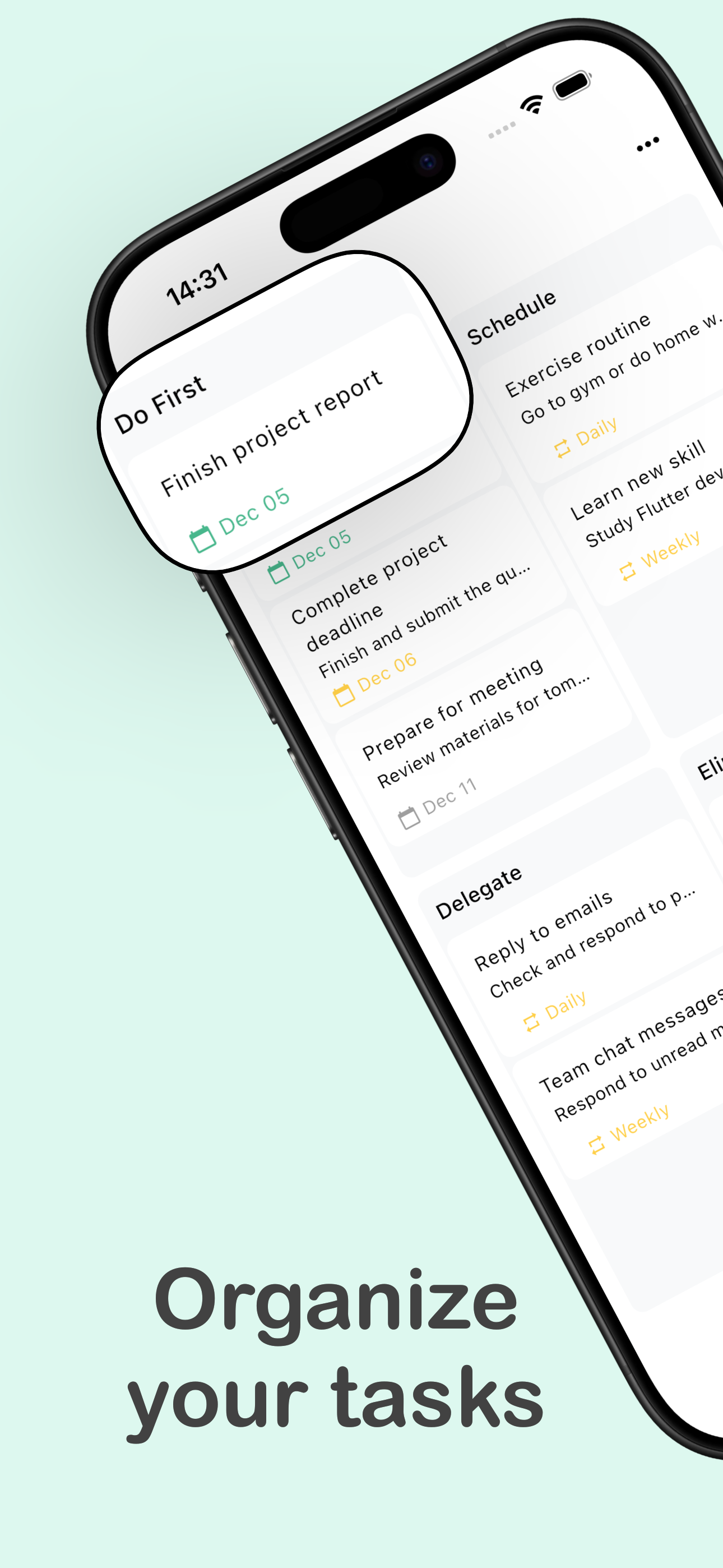
Organize every task in four quadrants
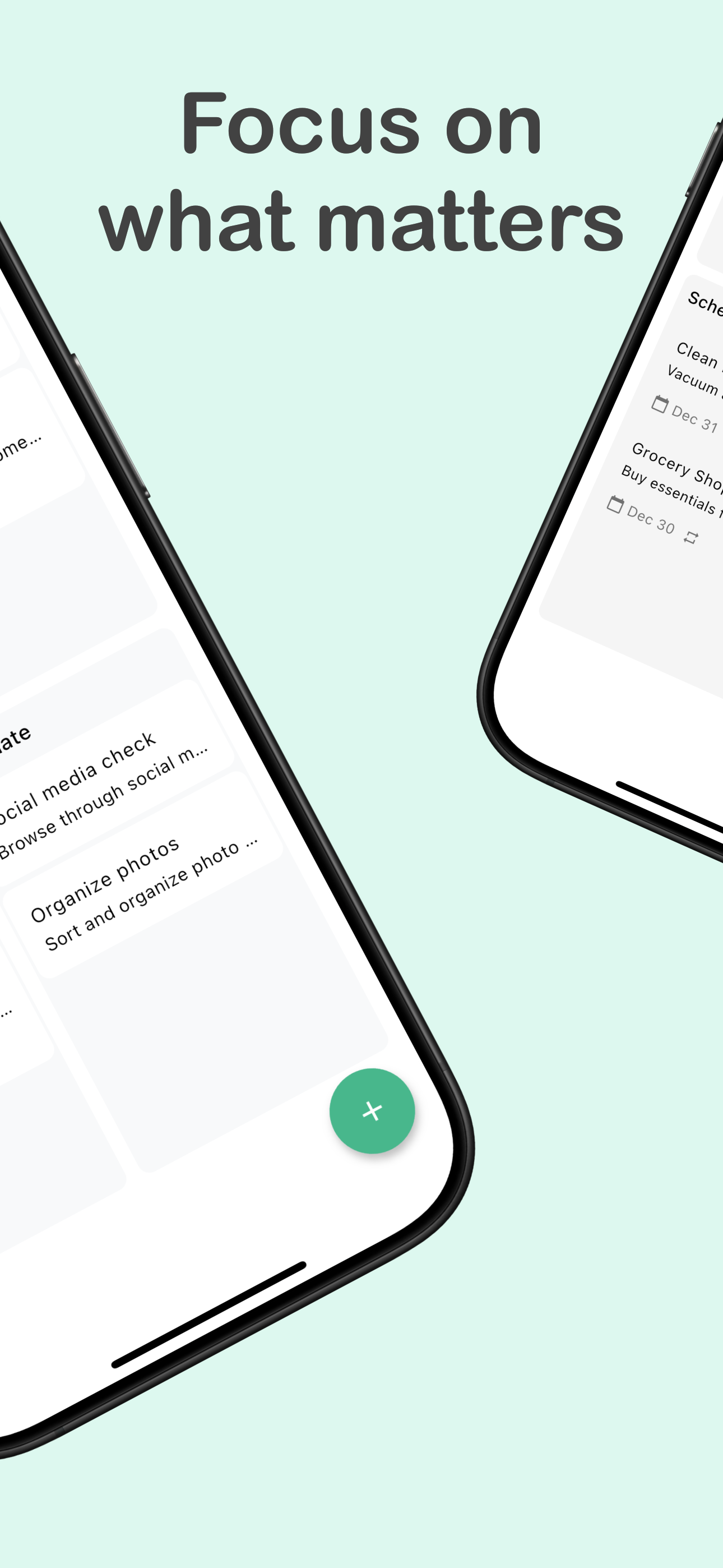
Focus on what actually matters
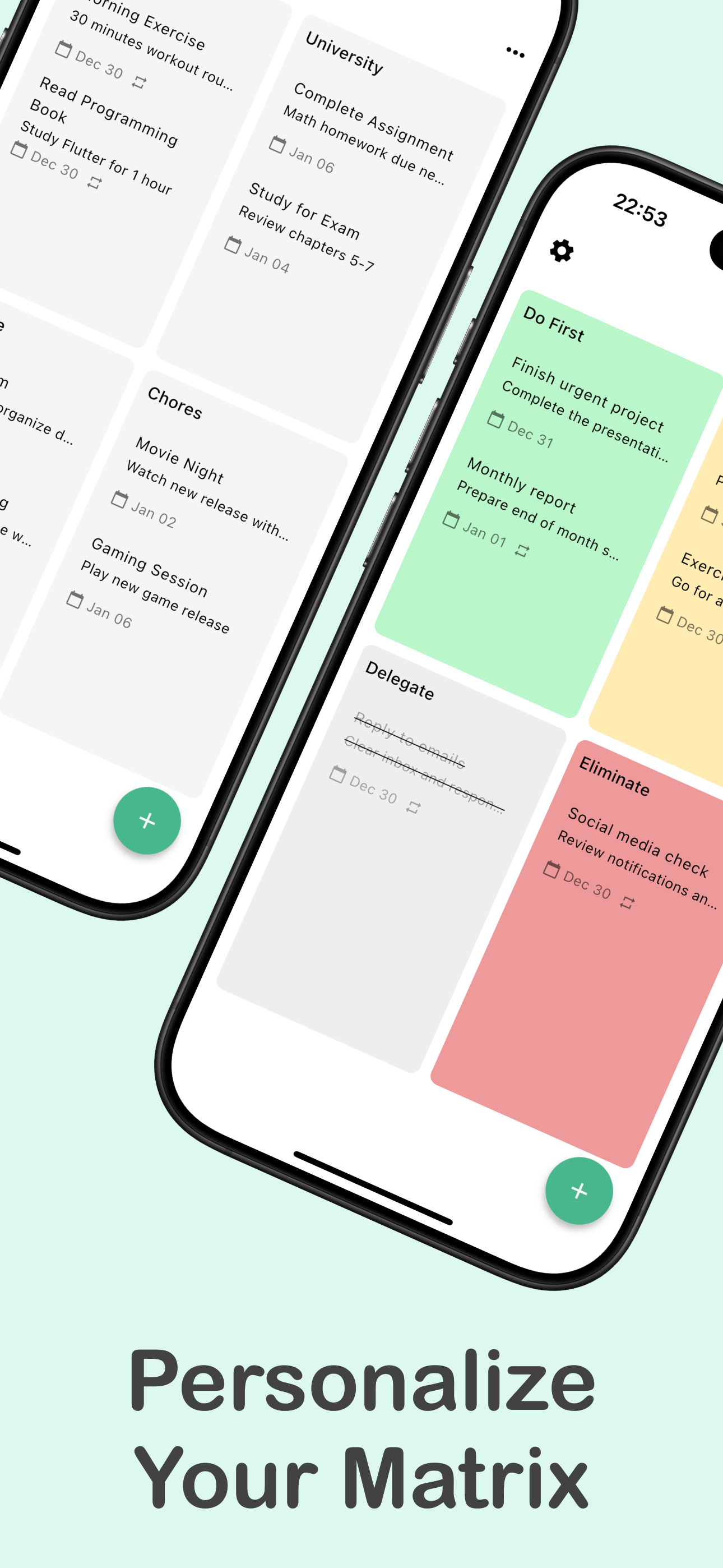
Personalize quadrants, colors & lists
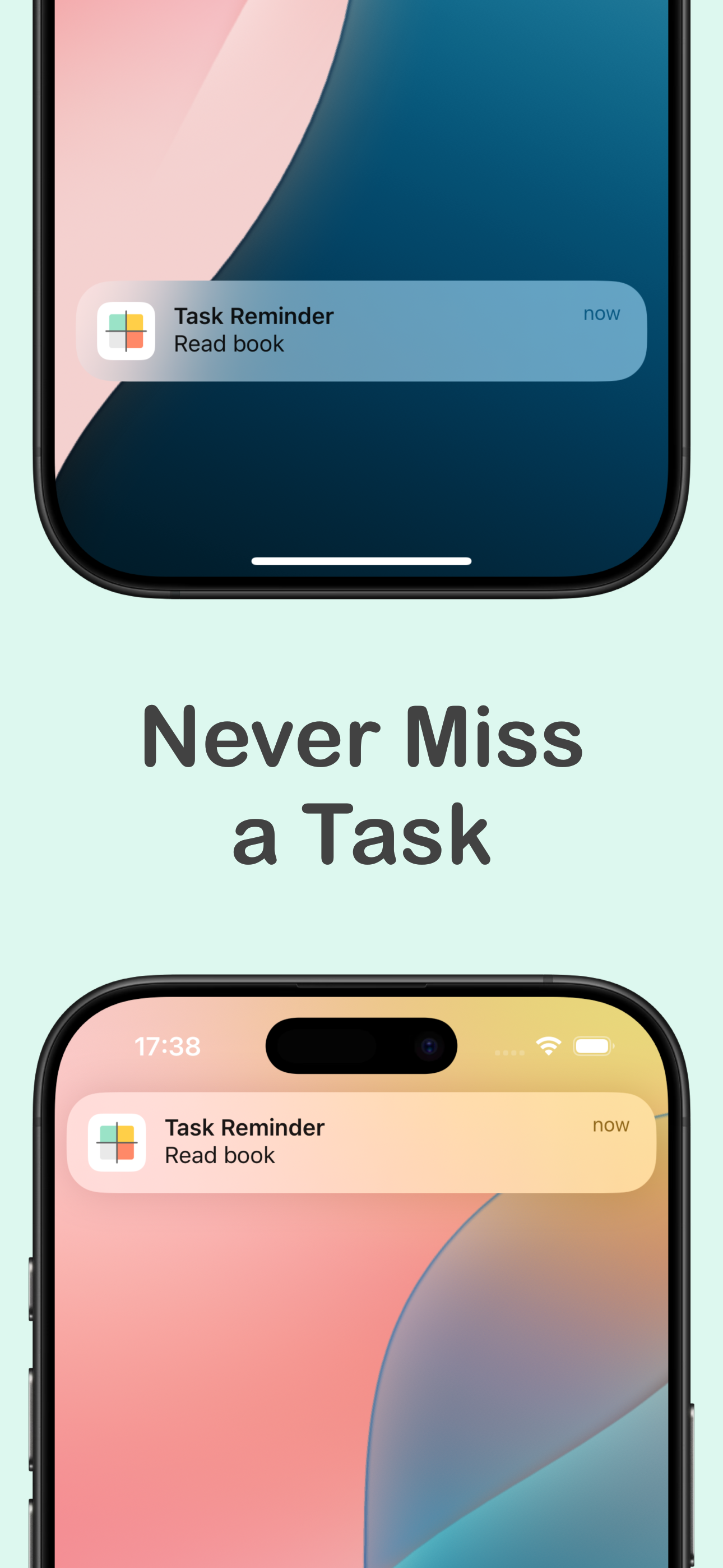
Reminders so nothing slips through
Two questions. Four quadrants. Zero guesswork.
For every task, ask: is it urgent? Is it important? The answers place it in one of four quadrants — each with a built-in decision.
Do First
Urgent and important — deadlines and fires. These are today's real priorities, and there are fewer of them than you think.
Schedule
Important, not urgent — health, learning, big projects. Give them dates and recurrence so they finally happen.
Delegate
Urgent, not important — interruptions and busywork. Hand them off, automate them, or batch them into one slot.
Eliminate
Neither urgent nor important. Naming these is the matrix's superpower — guilt-free permission to drop them.
Master the method, not just the app
Honest, practical guides to prioritizing with the Eisenhower Matrix — including the free and DIY routes.
How to Use the Eisenhower Matrix (With Real Examples)
The four quadrants explained step by step — Do First, Schedule, Delegate, Eliminate — and how to sort a messy to-do list in 10 minutes.
Read the guide → FundamentalsUrgent vs Important: How to Actually Tell the Difference
The two questions that sort any task, the urgency trap that eats your week, and simple tests you can apply in seconds.
Read the guide → AppsThe Best Eisenhower Matrix App for iPhone, iPad & Mac
Paper, spreadsheets, team tools, and dedicated apps compared — what to look for and when each option makes sense.
Read the guide → TemplatesFree Eisenhower Matrix Templates (PDF, Excel, Notion) — and When You've Outgrown Them
Where to get a free template, how to set one up yourself, and the point where a static grid stops working.
Read the guide → OverwhelmOverwhelmed by Your To-Do List? Do This First
When everything feels urgent, longer lists make it worse. A 10-minute triage that turns 40 tasks into 3 clear next actions.
Read the guide → ADHDThe Eisenhower Matrix for ADHD Brains: Now vs Not-Now, Fixed
Why prioritizing is harder with ADHD, and how a visual four-quadrant sort replaces the wall of text your brain refuses to read.
Read the guide → StudentsThe Eisenhower Matrix for Students: Study Without the Panic
Sort assignments, exams, clubs, and life into four quadrants so deadlines stop ambushing you the night before.
Read the guide → RoutineA 15-Minute Weekly Planning Routine With the Eisenhower Matrix
The Sunday reset: empty your head, sort the matrix, schedule Quadrant 2 — plus how recurring tasks keep it running.
Read the guide →Questions, answered
What is the Eisenhower Matrix and how does it work?
It's a 2×2 grid that sorts every task by two questions: is it urgent, and is it important? That gives four quadrants — Do First, Schedule, Delegate, Eliminate — each with a clear action attached, so you always know what deserves your attention next. Learn more →
How do I know if a task is urgent or important?
Urgent means it has a near deadline with real consequences; important means it moves your long-term goals. A task can be either, both, or neither — and mixing the two up is why busy days still feel unproductive. Learn more →
What's the best Eisenhower Matrix app for iPhone?
Look for a dedicated matrix view (not a to-do list with tags), fast task entry, reminders, and recurring tasks. Eisenhower Matrix: Task Tracker is built around the matrix itself and works offline on iPhone, iPad, Mac, and Android. Learn more →
Is there a free Eisenhower Matrix template?
Yes — you can draw the grid on paper, or grab free PDF, Excel, and Notion templates in minutes. Templates are a great start, but they go stale the moment your day changes; an app keeps the matrix alive with reminders and recurrence. Learn more →
What should I do when my to-do list feels overwhelming?
Stop reordering the list and triage it instead: run every task through the urgent/important questions and let most of them fall into Schedule or Eliminate. You're usually left with just two or three genuine Do First items. Learn more →
Does the Eisenhower Matrix work for ADHD?
It helps a lot, because it replaces a wall of text with a visual, spatial sort — and it externalizes the 'now vs not now' decision ADHD brains struggle with. Reminders and recurring tasks carry what your working memory drops. Learn more →
Can students use the Eisenhower Matrix for schoolwork?
Yes — it's one of the most recommended study-planning methods. Assignments with close due dates go to Do First, exam prep and projects to Schedule, and doomscrolling finds its rightful home in Eliminate. Learn more →
Does the app support recurring tasks and reminders?
Yes. Tasks can repeat daily, weekly, or monthly and fire notifications so nothing slips. That's what turns the matrix from a one-off exercise into a weekly planning routine that runs itself. Learn more →
Prioritize like a president.
Put every task in its place — and give your attention to the four that actually move your life forward.